Master Simulated Interview Skills for Senior Roles

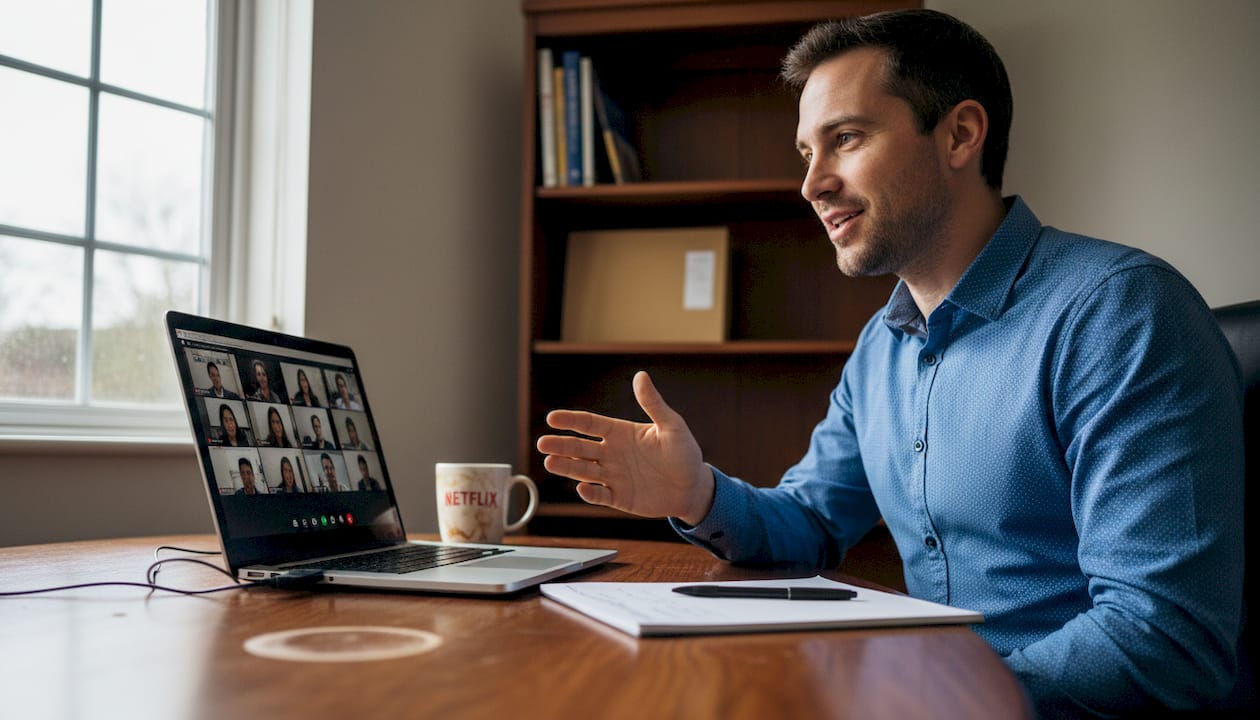
Facing a senior job interview feels different when you know your performance will be judged on camera. For many European professionals, the pressure of remote interviews demands more than just strong answers—it requires a polished environment and confident delivery. By focusing on creating a simulated interview environment, recording targeted responses, and analysing feedback, you transform nervousness into readiness and learn how senior presence shines through deliberate practice.
Table of Contents
- Step 1: Set Up Your Simulated Interview Environment
- Step 2: Record Targeted Interview Responses
- Step 3: Review and Analyse Automated Feedback
- Step 4: Refine Delivery for Improved Performance
Quick Summary
| Key Message | Explanation |
|---|---|
| 1. Choose a Quiet Interview Space | A distraction-free room keeps you focused and presents professionalism, enhancing your confidence during senior interviews. |
| 2. Use Proper Lighting and Camera Angle | Position the camera at eye level and utilise good lighting to ensure a clear and confident appearance on screen. |
| 3. Record Targeted Responses | Practise with relevant interview questions to analyse your delivery and improve your performance under pressure effectively. |
| 4. Review and Implement Feedback | Watch your recordings critically to identify key areas for improvement, allowing you to refine your responses over time. |
| 5. Focus on Incremental Refinement | Continually practising specific elements enables consistent performance, building the confidence needed for real interview situations. |
Step 1: Set Up Your Simulated Interview Environment
Your interview space shapes how you sound and how confident you appear on camera. Getting this right means the difference between practising effectively and wasting time on recordings that don’t reflect reality. This step ensures your environment mimics what you’ll actually face in a senior-level interview.
Start by choosing a quiet room where you won’t be interrupted. Senior interviews demand professionalism, and background noise undermines your credibility instantly. Close doors, silence your phone, and ask household members to stay clear for the next 30 minutes.
Lighting matters far more than most people realise. Position yourself facing a window or light source so your face is clearly visible. Harsh shadows across your face make you look tired or stressed, neither of which supports your senior presence. Natural light is ideal; if that’s not available, a simple desk lamp pointing toward your face works well.
For your backdrop, keep it simple and professional. A blank wall, bookshelf, or virtual background works. The goal is removing distractions so the interviewer focuses on you, not what’s behind you. When practising for senior-level interviews, your environment should communicate that you take this seriously.
Set up your camera at eye level. This means positioning your device on a stack of books or a stand so the lens aligns with your eyes. Looking down at the camera reads as submissive; looking up reads as arrogant. Eye level conveys confidence and equality, which is exactly the tone you need in senior conversations.
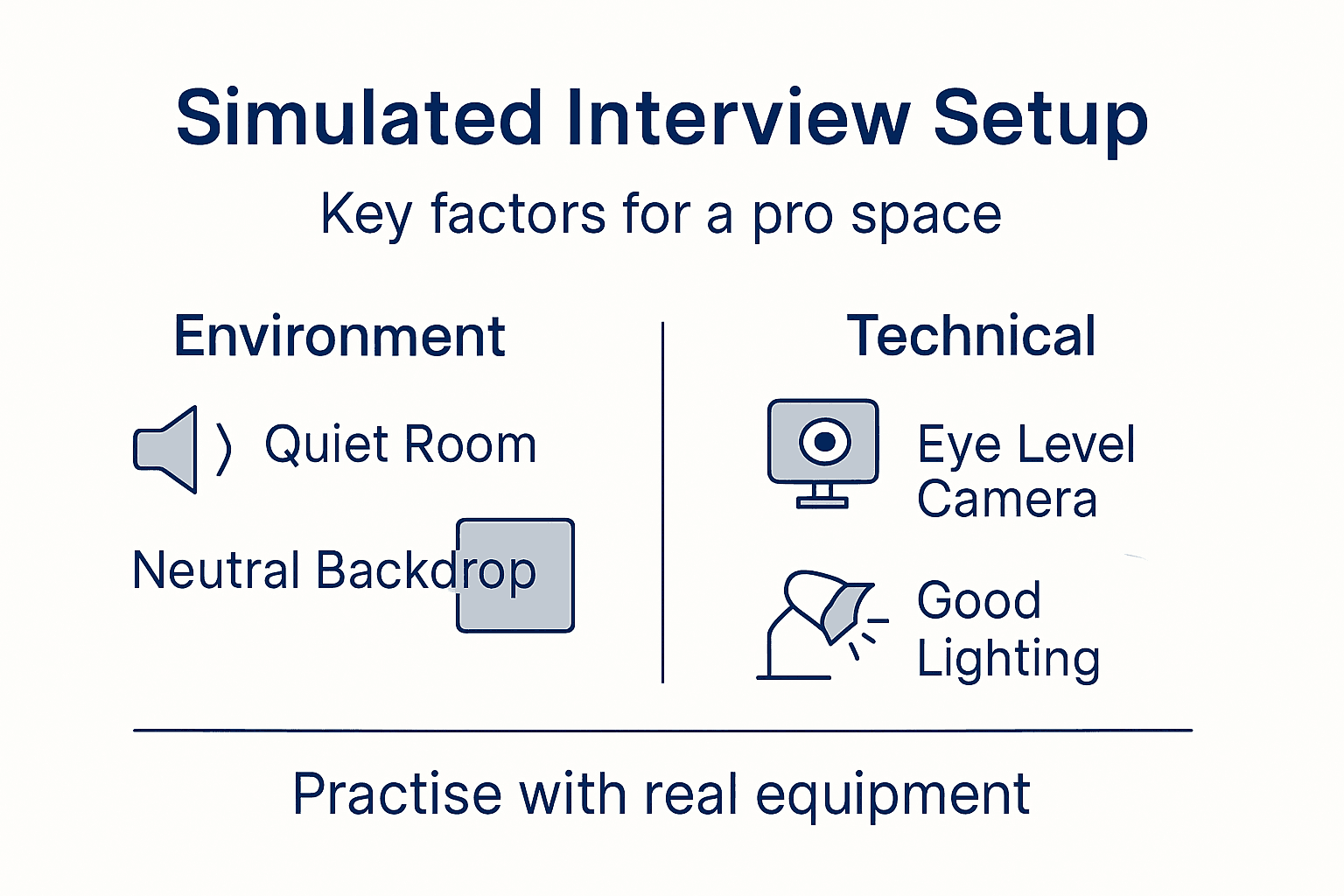
Test your audio before you start. Use your device’s built-in microphone, but move it closer if it sounds hollow or distant. You’re aiming for clear, professional sound that lets your words carry weight. Poor audio makes even great answers sound weak.
Consider using virtual interview formats similar to those conducted over video platforms to familiarise yourself with the technology you’ll actually encounter. Many senior interviews happen remotely now, so practising in that format makes your real interview feel like just another practice session.
Your environment is your practice partner—it either supports your confidence or sabotages it before you’ve even opened your mouth.
Bullet checklist for your setup:
- Quiet room with closed doors
- Lighting from front or side, not behind you
- Camera at eye level
- Professional, distraction-free backdrop
- Clear audio without echo or background noise
- Device fully charged or plugged in
Pro tip: Record a 30-second test video of yourself speaking about your most recent project. Watch it back and adjust lighting or camera angle until you look calm, focused, and senior.
Here’s how simulated and real senior interviews compare:
| Aspect | Simulated Interview Practice | Real Senior Interview |
|---|---|---|
| Environment | Customised for practice | Unpredictable, subject to company |
| Technology Used | Chosen by candidate | Set by employer (Zoom, Teams etc.) |
| Feedback Received | Automated/self-reflection | Immediate, from interviewers |
| Ability to Repeat | Unlimited, refine each attempt | Single opportunity per question |
| Nerves Factor | Lower, can build confidence | Higher pressure, one chance |
Step 2: Record Targeted Interview Responses
Recording yourself answering real interview questions is where practice becomes powerful. This step transforms vague anxiety into concrete feedback you can act on. You’ll capture your actual delivery, not imagine how you sound, and identify exactly what needs improvement.
Start by selecting interview questions relevant to senior roles in your field. These should mirror what hiring managers actually ask candidates at your level, not generic entry-level questions. Focus on behavioural questions that require you to discuss leadership, decision-making, and complex projects you’ve owned.
When you record real-world interview answers, you capture both your verbal content and body language simultaneously. This dual perspective matters because senior interviewers notice hesitation, fidgeting, and lack of eye contact as much as they notice weak answers.
Before hitting record, take 30 seconds to centre yourself. Breathe deeply, remind yourself of your strongest answer to this question, and imagine you’re speaking to a peer, not a judge. This mental reset prevents your nerves from hijacking your delivery on the first attempt.
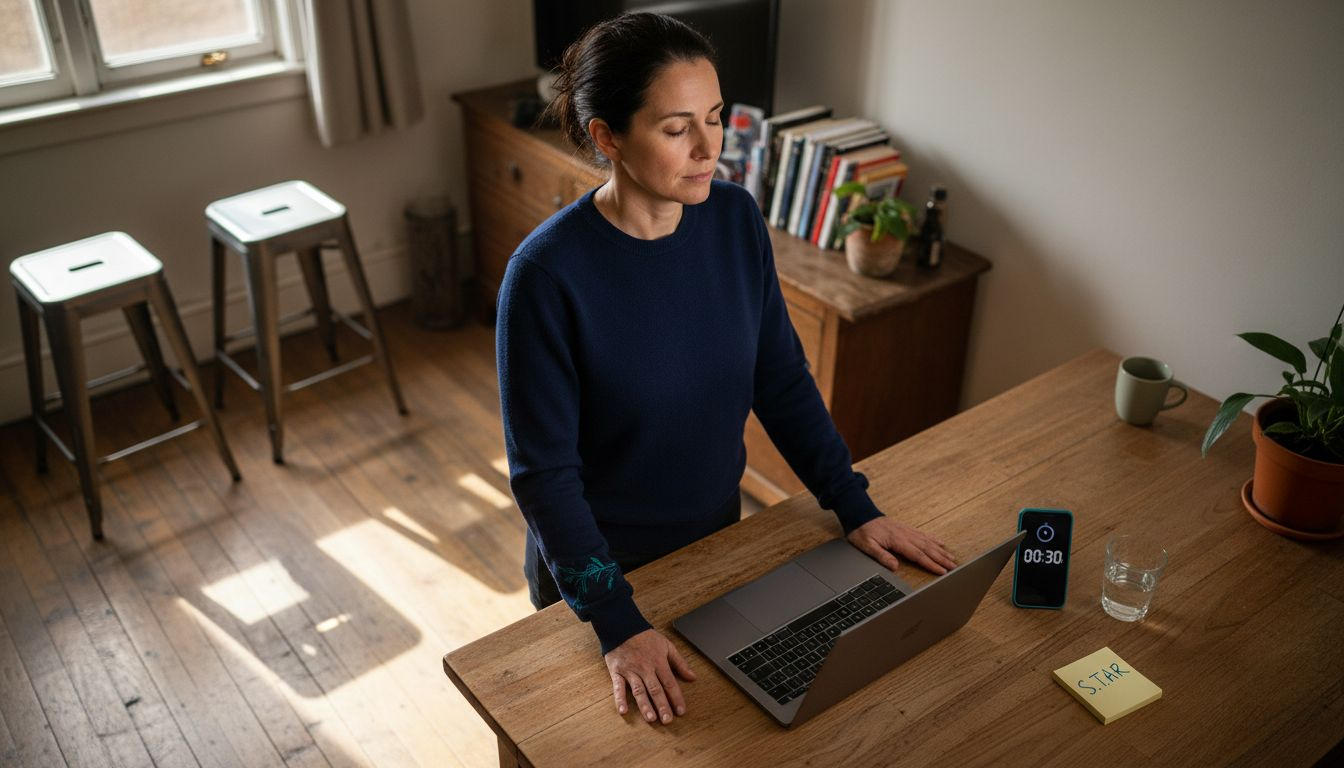
Hit record and speak your answer naturally without stopping. If you stumble, pause awkwardly, or lose your train of thought, keep going. Stopping and restarting teaches you nothing about real interview stamina. Senior interviews don’t pause for do-overs, so your practice shouldn’t either.
Aim for answers between 90 and 150 seconds. Anything shorter sounds like you’ve not thought deeply about the question; anything longer tests the interviewer’s patience. This timeframe forces you to be concise whilst remaining thorough, which is exactly what senior communication demands.
Record at least three different answers to each question if possible. Your first attempt captures your raw thinking. Your second refines it. Your third shows you whether you can deliver the answer consistently under pressure.
Recording yourself is uncomfortable, which is precisely why it works. That discomfort is where real improvement lives.
What to focus on whilst recording:
- Speaking clearly without rushing or dragging
- Maintaining steady eye contact with the camera
- Using concrete examples rather than abstract concepts
- Avoiding filler words and verbal tics
- Sounding confident without arrogance
Pro tip: After recording, watch your video once without pausing, then identify the single biggest thing you’d change before rewatching the full thing. One improvement per attempt prevents overwhelm and builds momentum faster than trying to fix everything at once.
Step 3: Review and Analyse Automated Feedback
Automated feedback transforms your recording from a video into actionable intelligence. This step teaches you to extract what matters, ignore what doesn’t, and prioritise improvements that will genuinely shift how you sound in real interviews.
Watch your recording once without taking notes. Your initial gut reaction matters more than you might think. Does the person on screen look senior and composed, or stressed and uncertain? Do they sound authoritative or apologetic? Your instinct catches what detailed analysis might miss.
Now watch it again, this time focusing on specific areas. Start with clarity and pacing. Are your words crisp or mumbled? Do you rush through answers or drag them out? Senior professionals deliver at a measured tempo that signals confidence and control.
Next, assess your structure. Did you answer the question directly, or bury your main point halfway through? Strong senior answers follow a simple pattern: opening statement, supporting example, brief conclusion. Rambling signals weak thinking.
Look at your filler words and hesitations. Count every “um,” “uh,” “like,” and “so” you hear. These aren’t personality quirks—they’re credibility drains. Each one makes you sound less senior, even when your actual content is strong. Track which words you repeat most; that’s where to focus your next attempt.
Check your body language on camera. Are you still or fidgeting? Do you maintain eye contact or drift away? Senior interviewers interpret these signals as confidence or nervousness, often before they fully process your words. Master on-camera presence through deliberate practice so your nonverbal communication matches your verbal expertise.
Don’t try to fix everything at once. Identify your single biggest weakness—perhaps excessive filler words, or speaking too quickly—and target that in your next recording. Small, focused improvements compound faster than scattered attempts at perfection.
The feedback matters less than what you do with it. One weakness fixed beats ten weaknesses acknowledged.
Feedback priorities for senior interview answers:
- Clarity over cleverness
- Structure over length
- Steady pacing over rushed delivery
- Concrete examples over vague explanations
- Consistent eye contact over movement
Pro tip: Create a simple two-column chart: strengths you noticed on the left, one weakness to target on the right. This visual forces you to acknowledge what’s working whilst staying laser-focused on one improvement area, preventing the analysis paralysis that derails practice.
Step 4: Refine Delivery for Improved Performance
Refinement is where good answers become great ones. This step focuses on translating your feedback into concrete changes that you’ll see and hear immediately in your next recording. You’re not starting from scratch—you’re sharpening what already works.
Begin by targeting your single identified weakness from the previous step. If it was filler words, record yourself answering the same question whilst consciously pausing instead of filling silence. Silence feels uncomfortable, but it reads as confidence. If your pacing was rushed, deliberately slow down by 20 percent and notice how much more authoritative you sound.
Practise the same question three to five times in succession. Your first attempt will feel awkward as you apply the new technique consciously. Your second and third attempts become smoother as the adjustment embeds itself. By the fifth attempt, the change should feel natural rather than forced.
Focus on one specific element per practice session. Don’t try to eliminate filler words, improve pacing, and strengthen eye contact simultaneously. Your brain can’t track that many changes at once. Single-threaded improvement compounds far faster than scattered attempts at perfection.
When you build confidence through consistent video practice, each refinement cycle strengthens your mental model of what senior-level delivery looks like. You’re training muscle memory and building confidence simultaneously.
Record your refined answer at least twice to ensure consistency. Senior interviews demand reliability. You need to know that your improved delivery isn’t a one-off fluke but something you can replicate under pressure.
Compare your refined recording directly against your original. The difference will motivate you. You’ll hear clarity where there was mumbling, confidence where there was hesitation, and authority where there was apology.
Summary of common pitfalls to avoid and improvement strategies:
| Pitfall | Impact on Interview Outcome | Strategy to Overcome |
|---|---|---|
| Rushed answers | Appears unprepared or nervous | Slow down, rehearse pacing |
| Excessive filler words | Reduces authority | Practise pausing consciously |
| Weak structure | Main point gets lost | Use clear opening and conclusion |
| Poor camera placement | Diminishes confidence | Always set camera at eye level |
| Distracting background | Diverts attention | Use neutral, uncluttered setting |
Refinement isn’t about perfection. It’s about incremental shifts that compound into unmistakable senior presence.
Refinement workflow for each practice cycle:
- Identify one specific weakness from your previous feedback
- Practise the same question 3-5 times consecutively
- Record your refined version twice for consistency
- Compare against your original recording
- Note which improvements transfer and which need another cycle
Pro tip: After refining one answer successfully, apply that same improvement to a completely different question. This forces you to recognise the improvement as a skill rather than memorised change, ensuring it transfers to real interviews where you’ve never heard the exact question before.
Elevate Your Senior Interview Skills with Pavone.ai
Mastering simulated interview techniques means transforming nervousness into confidence and vague answers into clear, structured responses. If you found setting up your interview environment, recording targeted answers, or refining your delivery challenging, Pavone.ai offers a powerful solution designed specifically for professionals preparing for senior-level roles. Our platform analyses your recorded answers on crucial factors like clarity, pacing, and confidence — helping you build that unmistakable senior presence from the comfort of your chosen space.
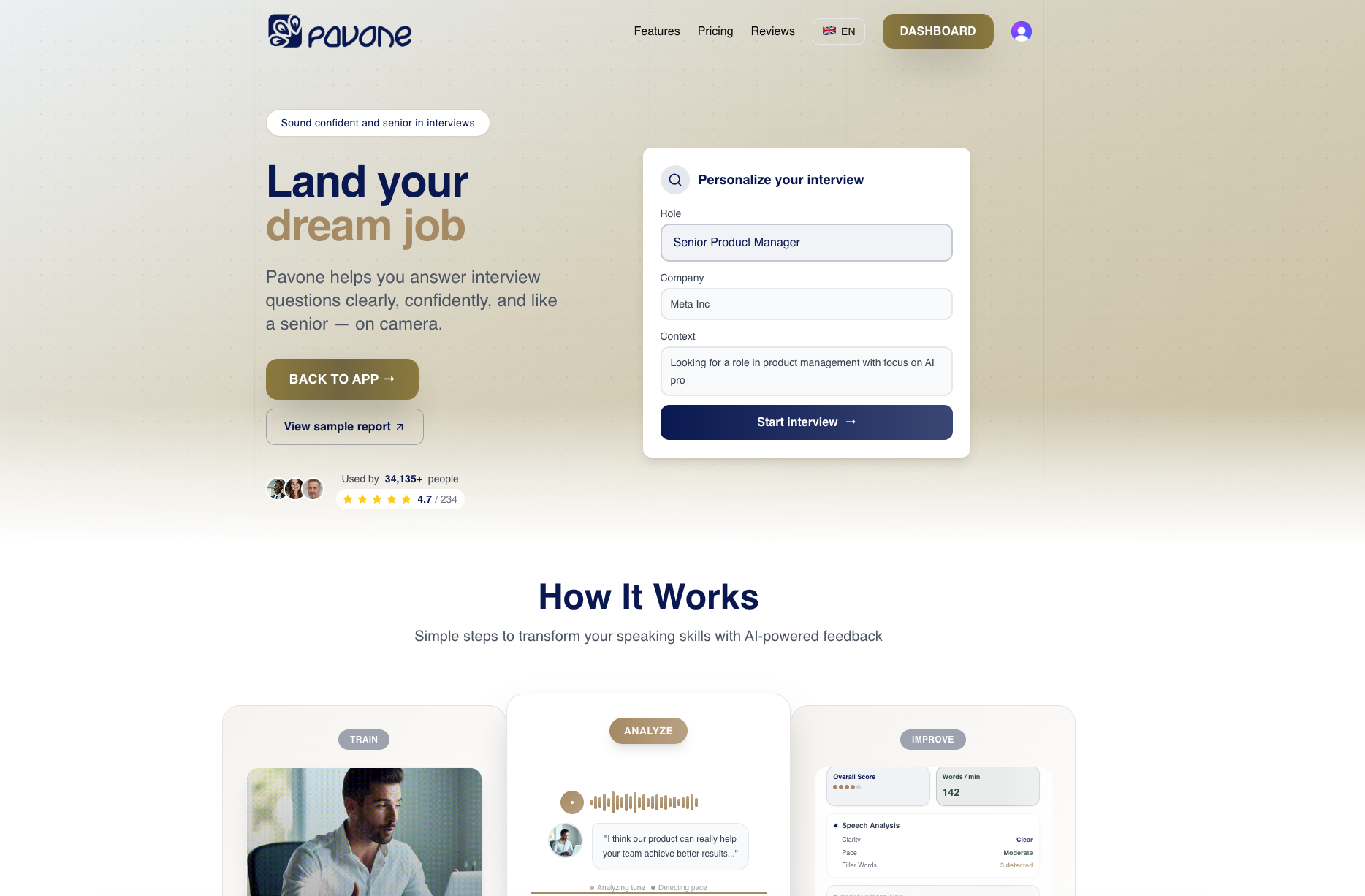
Start practising with Pavone.ai to gain immediate, actionable feedback that targets your unique weak spots such as filler words or rushed pacing. Experience the benefit of an always-available personal coach that helps you iterate your responses until your delivery matches your expertise. Visit Pavone.ai and explore how to record real-world interview answers and practice senior-level interview confidence. Don’t wait until the interview day — begin refining your skills now and walk in ready to impress.
Frequently Asked Questions
What should I consider when setting up my simulated interview environment?
To create an effective simulated interview environment, select a quiet room free from interruptions and background noise. Ensure that the lighting is adequate, ideally from the front, and position your camera at eye level to convey confidence.
How can I record targeted interview responses for senior roles?
Record yourself answering relevant senior-level interview questions, focusing on clarity and structure. Aim for answers that last between 90 and 150 seconds, and try to record at least three different attempts for each question to refine your delivery.
What feedback should I prioritise when reviewing my recorded responses?
When reviewing your recordings, prioritise clarity, structure, and body language. Focus on eliminating filler words and improving your pacing, as these factors greatly influence how confident you appear during an actual interview.
How often should I practise refining my delivery after receiving feedback?
Practise refining your delivery as often as needed for each identified weakness, aiming for three to five consecutive attempts per question. This repetition will help solidify improvements and ensure that you can consistently deliver strong answers under pressure.
Can I apply the same improvements to different interview questions?
Yes, once you’ve successfully refined one answer, apply the same techniques to other questions. This approach helps reinforce the improvements as skills rather than just memorised changes, allowing you to adapt in real interview scenarios.
How can I build confidence during simulated interview practice?
Build confidence by creating a supportive and distraction-free environment while recording. Practise consistent eye contact with the camera and speak naturally to simulate a real interview setting, aiming to conduct at least one full practice session every week.
Recommended
- Master Business Interview Questions and Answers for Senior Roles | Pavone Academy
- Master Business Interview Questions and Answers for Senior Roles | Pavone Academy
- Master Business Interview Questions and Answers for Senior Roles | Pavone Academy
- Interviewing for Mid and Senior Roles: Succeed with Confidence | Pavone Academy
Ready to practice?
Start improving your speaking skills with AI-powered feedback and analysis.
Try Pavone Free