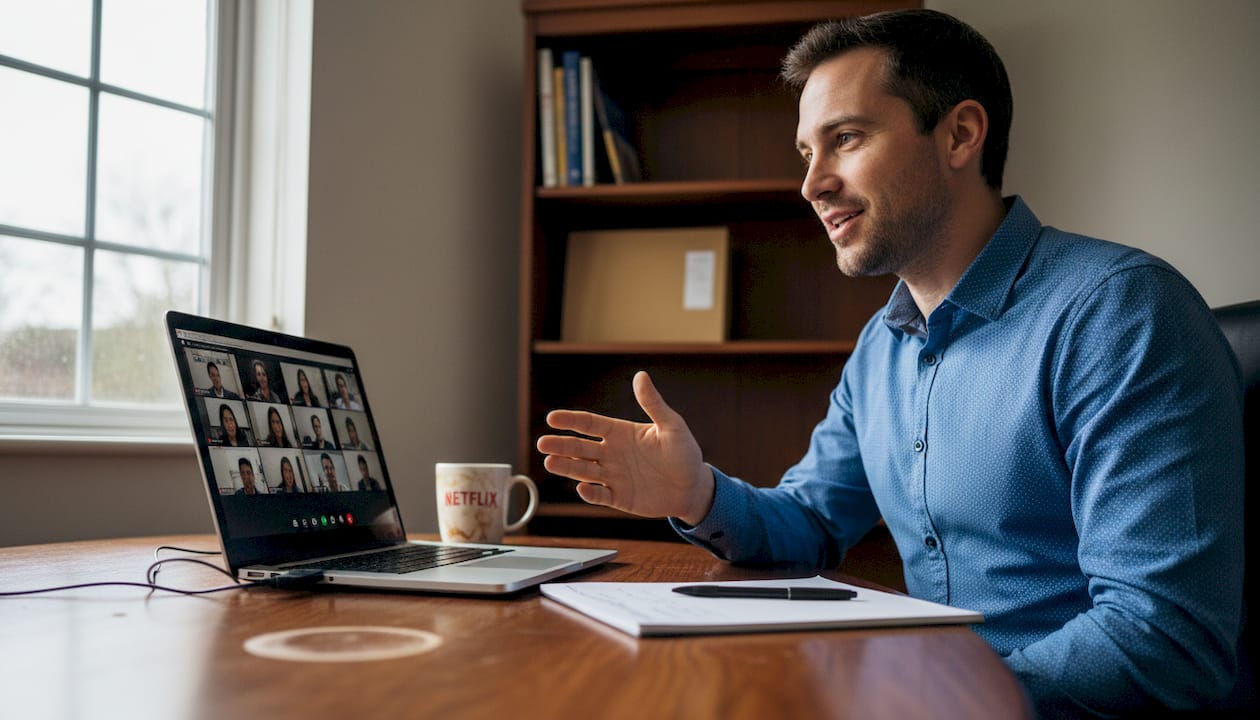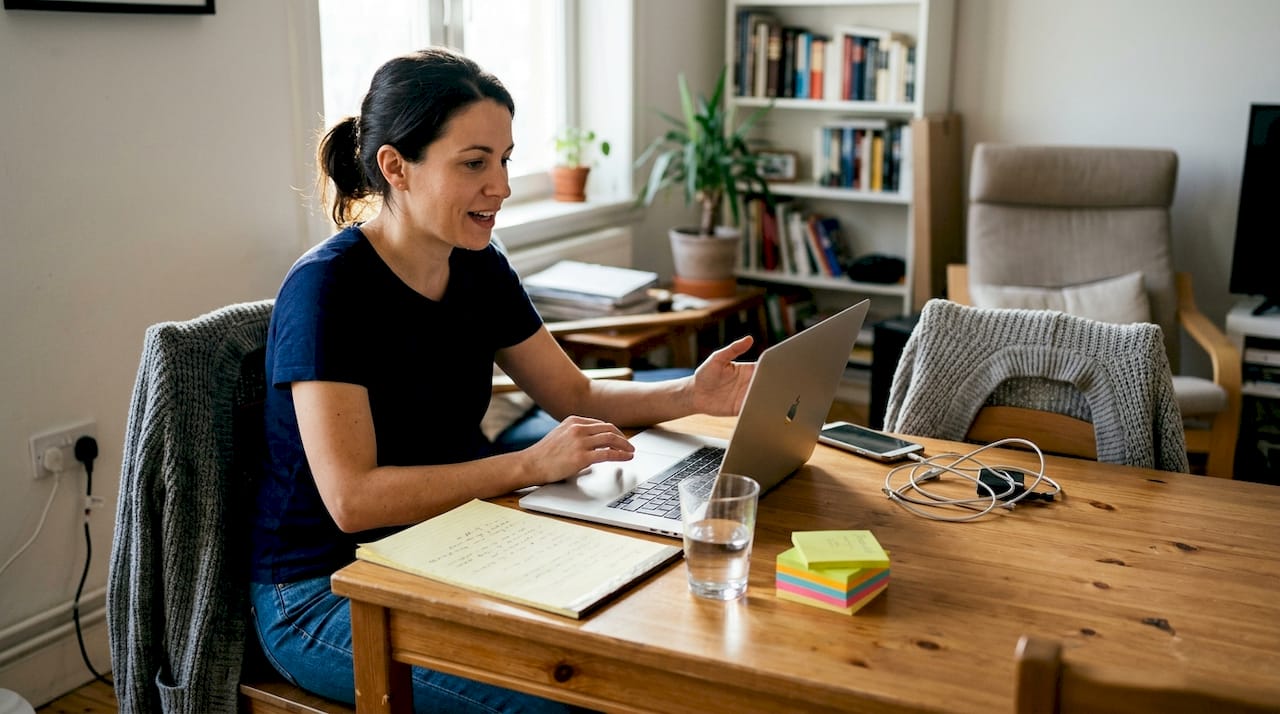
Video interview practice boosts hiring chances by 25% in 2026
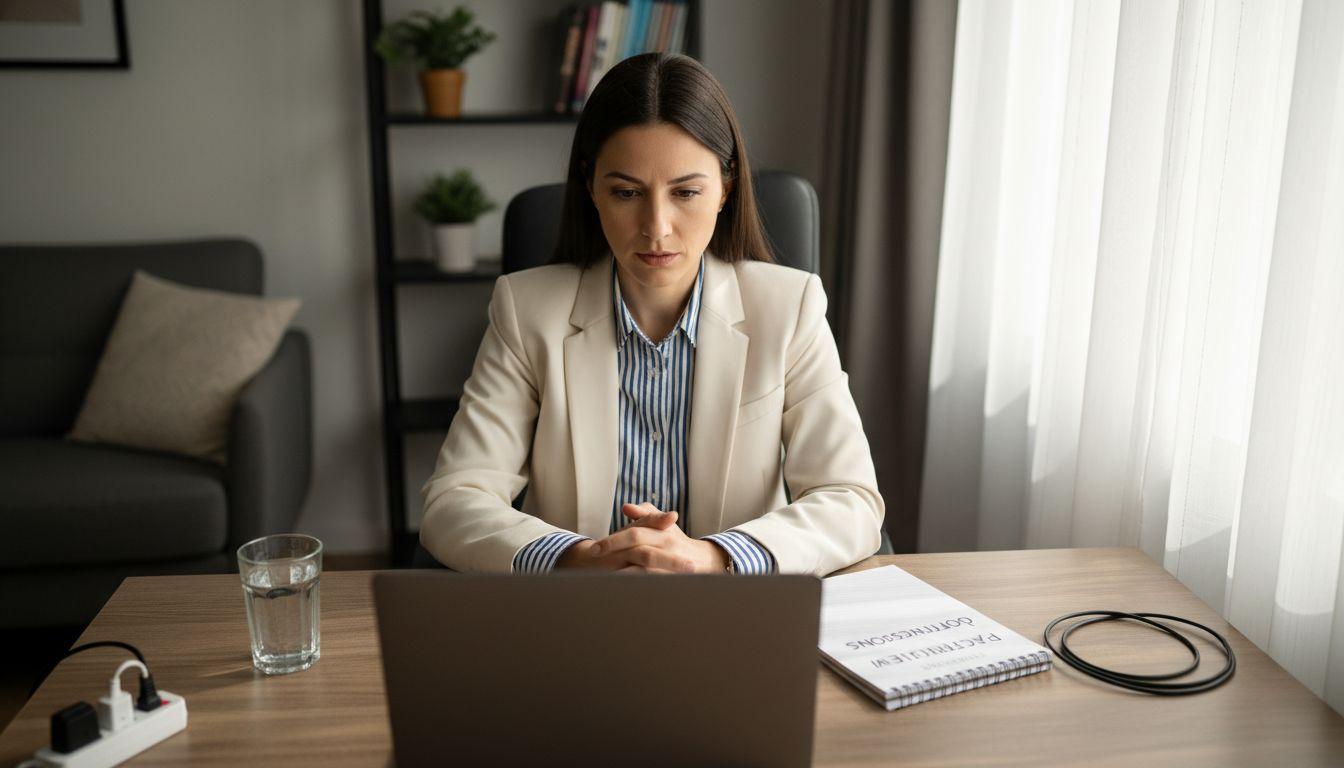
You know your interview content inside out, yet freezing on camera undermines your preparation. The modern hiring landscape demands confident video communication, not just strong answers. This guide delivers structured, technology-optimised practice steps to transform how you present yourself on camera and significantly improve your interview outcomes.
Table of Contents
- Prerequisites: What You Need Before You Start
- Step 1: Setting Up Your Interview Environment And Technology
- Step 2: Practicing And Structuring Your Answers On Camera
- Step 3: Mastering Communication And Body Language On Camera
- Step 4: Avoiding Common Mistakes And Troubleshooting
- Step 5: Expected Results And How To Measure Your Progress
- Enhance Your Interview Skills With Pavone Academy
- Frequently Asked Questions
Key takeaways
| Point | Details |
|---|---|
| Structured video practice improves hiring outcomes by 25% | Regular on-camera rehearsal with feedback dramatically enhances your communication effectiveness and interview success rate. |
| Setting up your environment 24 hours prior reduces tech issues by 90% | Early equipment testing prevents last-minute disruptions that derail otherwise strong performances. |
| Maintaining camera eye contact enhances engagement by 30-60% | Looking directly at the lens simulates natural connection and demonstrates confidence to interviewers. |
| Regular feedback and review cut filler words and boost clarity | Consistent practice with actionable insights eliminates verbal crutches and sharpens your delivery. |
| Professional attire and lighting affect professionalism perceptions | Visual presentation influences interviewer judgements before you speak your first word. |
Prerequisites: what you need before you start
Before diving into practice, gather essential tools and establish the right mindset. Your foundation determines how effectively you improve.
You need a reliable internet connection and quality webcam with microphone. Choppy video or unclear audio sabotages even brilliant answers. Find a quiet, distraction-free space with a plain background that keeps interviewer focus on you, not your surroundings.
Dress professionally from head to toe. Many candidates underestimate the importance of dressing professionally from head to toe, which affects interviewer perception even when only your upper body appears on screen. Unexpected movements or reflections can reveal casual attire below the frame, undermining your credibility.
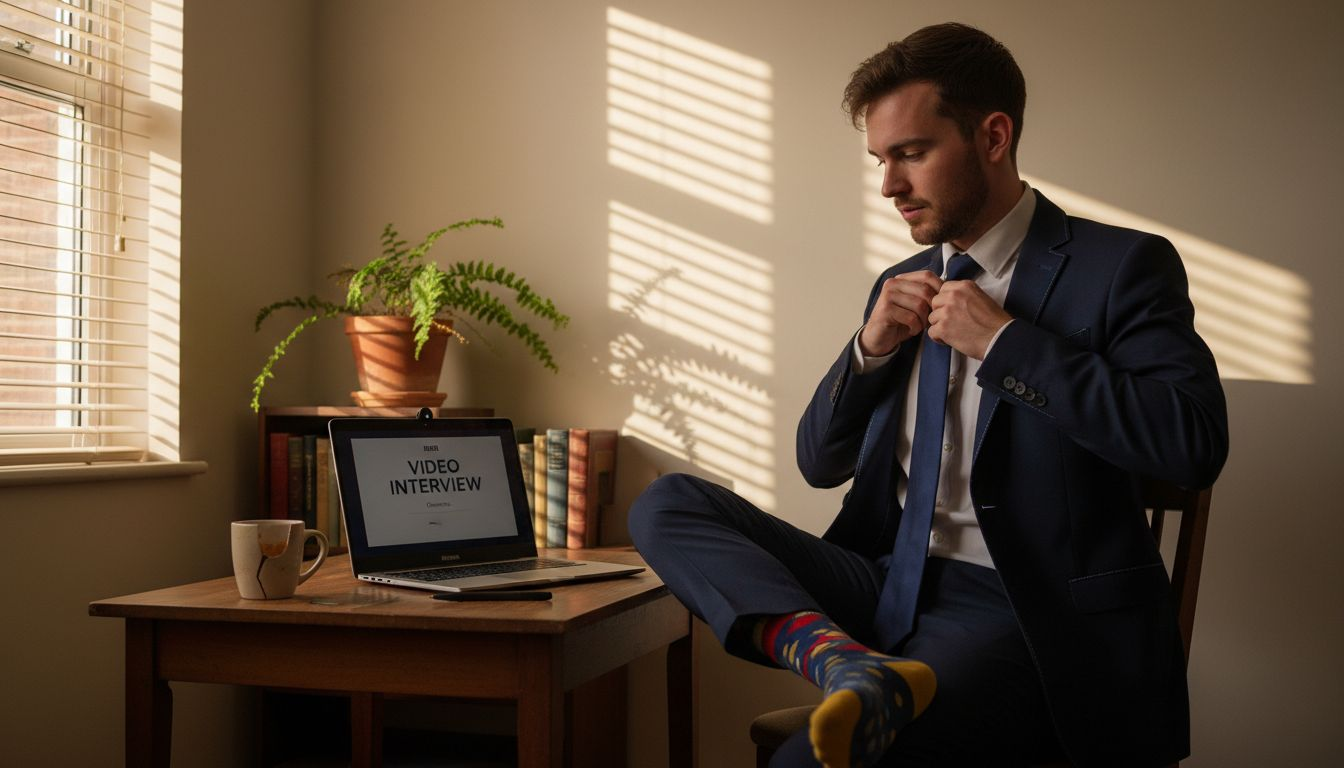
Familiarise yourself with your interview platform or software beforehand. Fumbling with controls during your actual interview wastes precious time and broadcasts technical incompetence. Testing technology 24 hours before improves overall interview readiness and prevents disruptions that derail your performance.
Adopt a mindset focused on continuous improvement rather than perfection. Viewing practice as skill development reduces pressure and accelerates learning. Treat each session as valuable data, not a judgement of your worth.
Your mental preparation matters as much as equipment. Confidence grows through repeated video interview preparations that simulate real conditions. Approach practice with curiosity about what you can refine next, not fear of making mistakes.
Pro Tip: Create a pre-interview checklist covering equipment, environment, and appearance. Run through it 24 hours early, then again 30 minutes before your interview to ensure nothing slips through the cracks.
Step 1: setting up your interview environment and technology
Your physical and technical setup creates your first impression. Optimise every element to convey professionalism before you speak.
-
Test all equipment 24 hours before your interview. Check your camera, microphone, internet speed, and software functionality. This buffer allows time to resolve issues without panic.
-
Position your camera at or slightly above eye level. Positioning the camera at or slightly above eye level creates a more professional appearance and simulates natural eye contact that builds rapport.
-
Use front lighting that evenly illuminates your face. Position a lamp or window directly in front of you. Avoid backlighting from windows behind you, which casts unflattering shadows and obscures your expressions.
-
Choose a neutral, distraction-free background. Remove clutter, bright patterns, or personal items that draw attention away from you. A plain wall works perfectly.
-
Dress professionally for the entire visible frame and beyond. Wear interview-appropriate clothing from head to toe, not just what appears on screen. This reinforces your professional mindset and prevents awkward surprises.
-
Check your sound quality with headphones if necessary. Use earphones to reduce echo and background noise. Test audio levels to ensure your voice comes through clearly without distortion.
Your environment communicates respect for the interviewer and the opportunity. Small adjustments yield disproportionate improvements in how you appear on screen. Invest 30 minutes perfecting your setup, then maintain it consistently across practice sessions.
Pro Tip: Record a 60-second test video reviewing your full setup. Watch it critically, noting any distractions, lighting issues, or framing problems. Adjust until you look polished and professional, then replicate this configuration for every practice on-camera answers session and real interview.
Step 2: practicing and structuring your answers on camera
Structured practice transforms vague communication into crisp, confident responses. Frameworks and feedback drive measurable improvement.
Use frameworks like STAR (Situation, Task, Action, Result) to organise answers logically. This structure guides you through complete responses whilst preventing rambling. Each element builds on the previous one, creating natural narrative flow.
Practice answering common and role-specific questions on camera with a timer. Simulate real conditions by setting strict time limits. This pressure reveals pacing issues and forces conciseness you need during actual interviews.
Focus on clear, concise language delivered at an even pace. Rushing signals anxiety, whilst dragging loses interviewer attention. Aim for a conversational speed that allows processing without seeming slow.
- Record your practice sessions and review footage to spot filler words like ‘um’ or ‘like’ and pacing inconsistencies.
- Utilise AI-based feedback tools to gain objective insights on delivery, clarity, and structure without judgement.
- Track your progress using measurable metrics such as filler word counts, answer duration, and adherence to frameworks.
- Practicing answers on camera with feedback improves clarity, confidence, and pacing over time through data-driven refinement.
Practice Progress Tracking Table
| Metric | Week 1 Baseline | Week 2 Target | Week 3 Goal |
|---|---|---|---|
| Filler words per minute | 8-12 | 4-6 | 1-2 |
| Answer duration (behavioural) | 3-4 minutes | 2-3 minutes | 90-120 seconds |
| STAR framework adherence | 40% | 70% | 90%+ |
| Camera eye contact percentage | 10-20% | 30-40% | 50-60% |
Consistent practice builds muscle memory for structured communication. Your AI practice interview platform provides immediate feedback that accelerates improvement far beyond self-review alone.
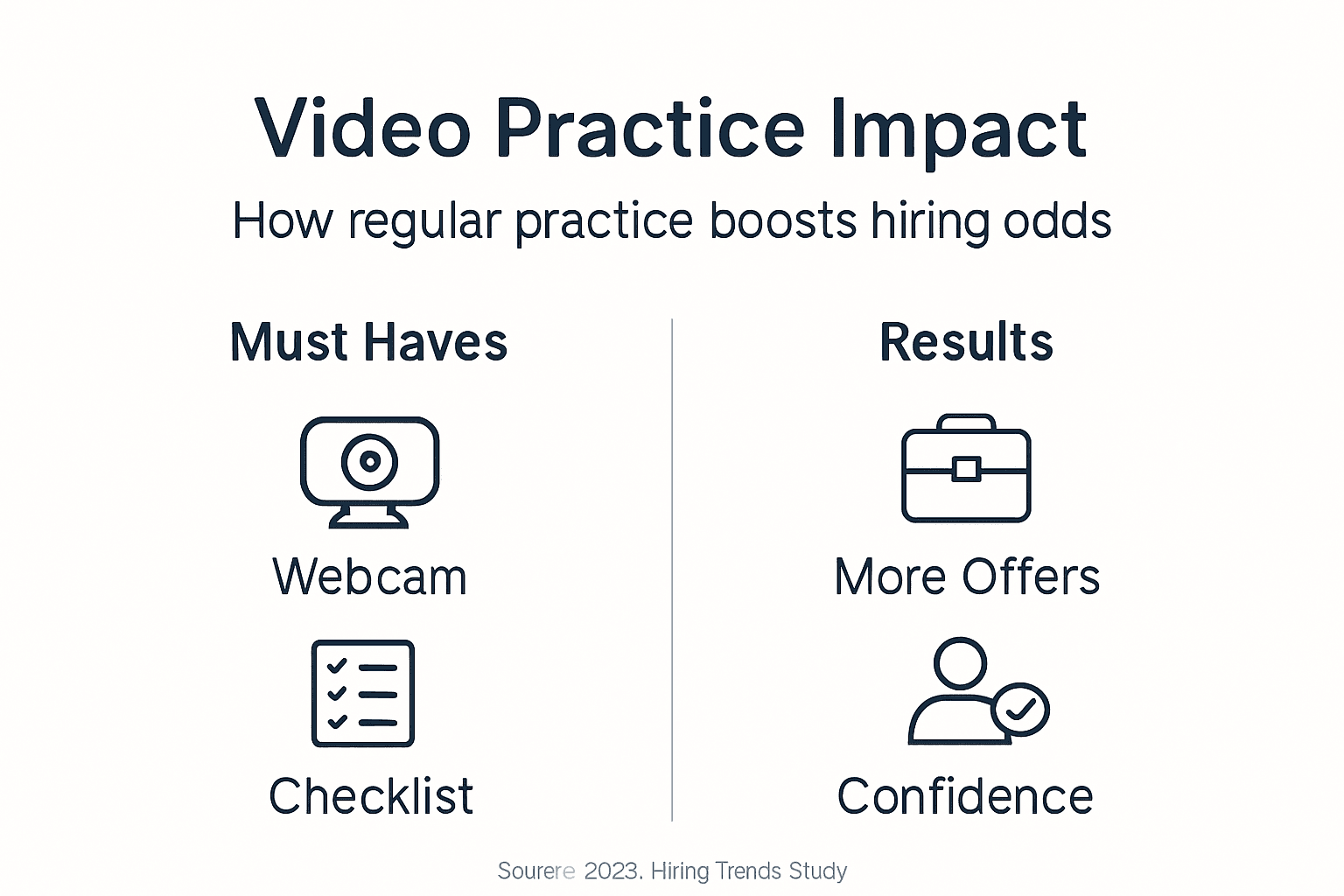
Pro Tip: Focus on one improvement area per practice session rather than trying to perfect everything simultaneously. Master filler word reduction this week, then tackle pacing next week. Incremental gains compound faster than scattered effort across multiple video response practice tips.
Step 3: mastering communication and body language on camera
Non-verbal communication carries as much weight as your words. Master these elements to project confidence and engagement.
- Look directly into the camera lens about 30-60% of the time to simulate meaningful eye contact. Candidates who maintain eye contact with the camera achieve stronger connections with interviewers than those who stare at the screen.
- Maintain an upright, open posture that projects confidence and attentiveness. Avoid slouching or crossing your arms, which signals defensiveness or disinterest.
- Control your speaking pace and minimise filler words such as ‘um’, ‘like’, or ‘you know’. Pause briefly instead of filling silence with verbal crutches.
- Smile genuinely when appropriate to express warmth and approachability. Facial expressions convey enthusiasm that purely verbal communication cannot.
- Subtly mirror the interviewer’s body language to build rapport in virtual settings. Match their energy level and formality without obvious imitation.
Your camera presence develops through deliberate practice, not natural talent. Record yourself answering questions, then watch with sound off to evaluate purely visual communication. Notice what your body language actually conveys versus what you intend.
Pay attention to hand gestures that emphasise key points without becoming distracting. Keep movements within frame and purposeful rather than nervous fidgeting. Your hands should support your message, not compete with it.
Vocal variety prevents monotone delivery that loses interviewer attention. Vary your pitch and emphasis to highlight important information. Practise reading your answers aloud to identify where natural inflection should occur.
Confidence on camera practice transforms awkward self-consciousness into natural, professional presence. The more you expose yourself to the camera during practice, the more comfortable you become during high-stakes interviews.
Step 4: avoiding common mistakes and troubleshooting
Awareness of frequent pitfalls helps you sidestep problems that derail otherwise strong candidates. Learn from others’ errors.
-
Eliminate background noise and visual distractions before starting your interview. Close doors, silence notifications, and inform household members you need uninterrupted time. Common failures include poor lighting, distractions, and avoiding camera eye contact, which reduce candidate scores before content is evaluated.
-
Avoid looking at the screen or notes instead of directly at the camera. This breaks eye contact and signals disengagement. If you must reference notes, position them directly beside your camera lens to minimise eye movement.
-
Ensure lighting is adequate with no backlighting or shadowy face. Front-facing light sources illuminate features clearly and convey openness. Test lighting at the same time of day as your scheduled interview to account for natural light changes.
-
Don’t skip scheduled practice sessions. Consistent rehearsal builds competence that sporadic effort cannot match. Treat practice appointments as non-negotiable commitments.
-
Dress professionally even if only your upper body appears on camera. Full professional attire prevents embarrassing reveals and reinforces your mental preparation.
Common Error vs Correct Practice Comparison
| Common Error | Impact | Correct Practice | Benefit |
|---|---|---|---|
| Looking at screen during answers | Breaks eye contact, appears distracted | Look at camera lens 50-60% of time | Simulates natural connection, shows engagement |
| Testing equipment 10 minutes before | No time to fix issues | Test 24 hours ahead | 90% reduction in technical problems |
| Casual attire below frame | Unprofessional if visible | Full professional dress | Maintains credibility, boosts internal confidence |
| No practice recording review | Miss obvious improvement areas | Record and analyse each session | Identifies specific areas needing refinement |
| Answering without structure | Rambling, incomplete responses | Use STAR or similar frameworks | Clear, concise, complete answers |
Troubleshooting technical issues calmly during an interview demonstrates professionalism. Have backup plans ready, such as a phone number to call if video fails. Your ability to handle problems gracefully matters as much as preventing them.
Review your improve on-camera answers recordings specifically looking for these common mistakes. Catching and correcting them during practice prevents them from surfacing when stakes are highest.
Step 5: expected results and how to measure your progress
Realistic expectations and measurable milestones maintain motivation throughout your improvement journey. Know what success looks like.
- Expect measurable improvements in confidence and clear vocal delivery within 2-3 weeks of consistent practice. Visible confidence and clarity gains appear within 2-3 weeks of regular practice, with reduction of filler words and improved pacing.
- See a 30-50% reduction in filler words such as ‘um’ or ‘like’ after adopting structured feedback and review processes.
- Maintain eye contact with the camera for 30-60% of your interview duration to improve engagement and connection with interviewers.
- Receive positive feedback from mock interview platforms or coaches as validation of your communication improvements.
- Notice improved pacing and structured answers reflected in recorded practice sessions, with responses fitting comfortably within recommended time frames.
Track specific metrics rather than relying on vague feelings of improvement. Count filler words per minute, measure answer durations, and rate your framework adherence on a scale. Quantifiable data reveals genuine progress and identifies areas still needing work.
Compare your week one recordings to week three footage. The contrast provides tangible evidence of growth that motivates continued effort. Celebrate small wins like eliminating a specific filler word or nailing the STAR structure consistently.
Your confident interview practice success builds incrementally through regular sessions with objective feedback. Progress rarely follows a straight line, so focus on overall trends rather than day-to-day fluctuations.
Enhance your interview skills with Pavone Academy
Ready to transform your video interview performance with structured, AI-driven practice? Pavone Academy delivers exactly what this article teaches: on-camera rehearsal with immediate, actionable feedback on clarity, pacing, and delivery.
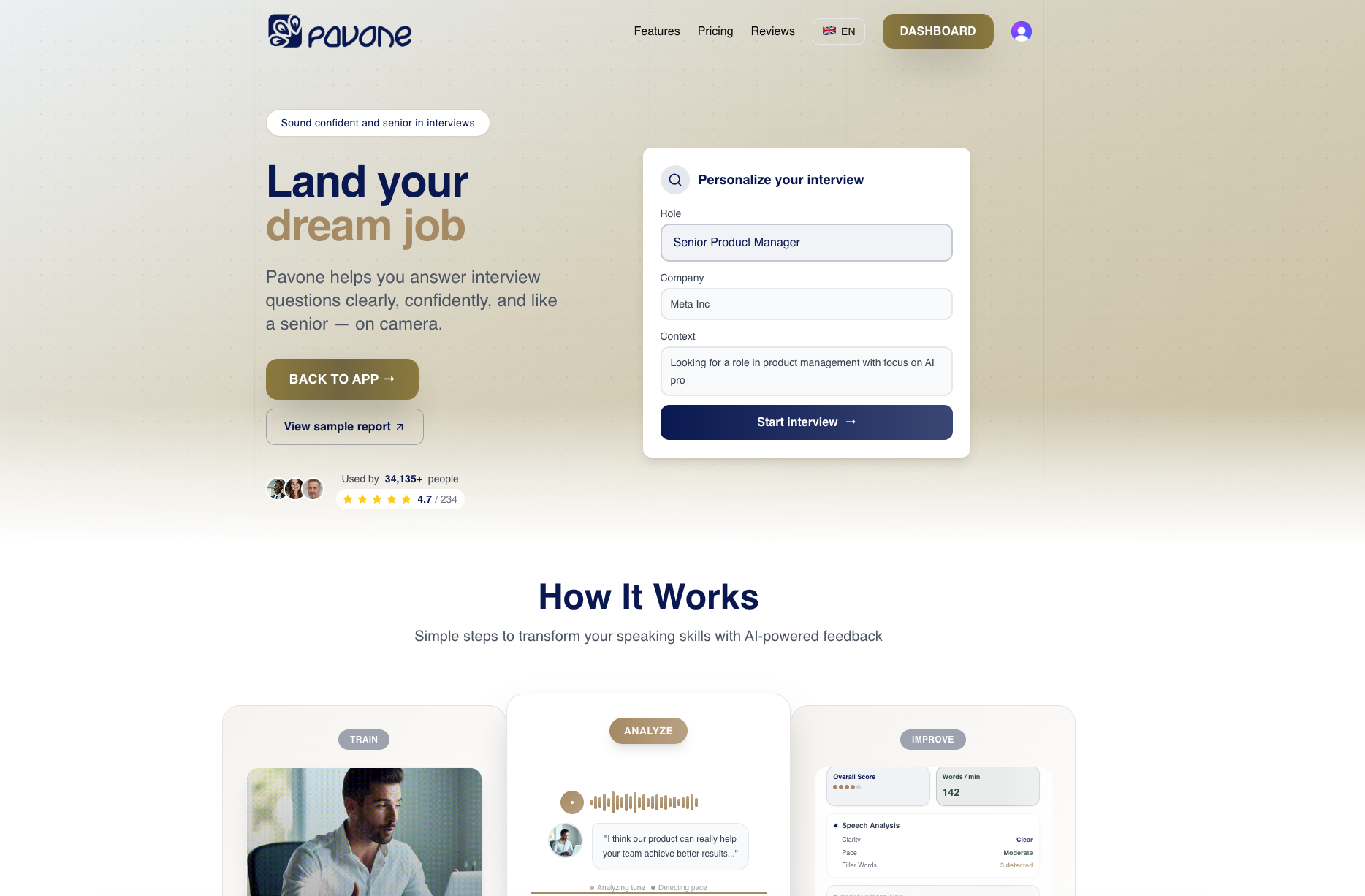
Our platform analyses your recorded answers for filler words, structure, confidence markers, and communication effectiveness. You receive specific insights on what to improve, not generic advice. Track your progress across multiple practice sessions as your skills sharpen measurably.
Master interview online practice conveniently from home, fitting sessions around your schedule. Access expert-guided lessons focused on job interview video preparations that address real communication challenges mid-career professionals face. Build lasting confidence through building confidence on camera techniques designed specifically for video interviews.
Frequently asked questions
How can I reduce interview anxiety when practising on camera?
Start with short practice sessions to build comfort gradually rather than forcing long rehearsals that increase stress. Use AI feedback to gain objective, non-judgemental insights that remove emotional pressure from self-evaluation. Create a quiet, private environment to minimise distractions and external pressure whilst you develop competence.
What are the best frameworks for structuring interview answers?
Use the STAR method (Situation, Task, Action, Result) for behavioural questions to ensure complete, logical responses. Keep answers concise whilst covering relevant details that demonstrate your capabilities without rambling. Practise structuring answers to enhance pacing and confidence, making frameworks feel natural rather than forced.
How important is professional attire when only the upper body is visible?
Dressing professionally head to toe prevents awkward surprises and boosts internal confidence even if cameras show limited views. 80% of hiring managers report dressing impacts professionalism rating, even if only upper body visible on camera. Full professional attire aligns mindset with performance, signalling to yourself and interviewers that you take the opportunity seriously.
How long should I practice video interviews to see improvement?
Consistent practice over 2-3 weeks typically shows visible improvements in confidence, clarity, and delivery quality. Daily or regular sessions with review and feedback accelerate measurable gains compared to sporadic effort. Tracking filler word reduction and pacing improvements helps monitor progress objectively rather than relying on subjective feelings.
Recommended
Ready to practice?
Start improving your speaking skills with AI-powered feedback and analysis.
Try Pavone Free