
Nail your Google interview: on-camera strategies for success

TL;DR:
- Effective virtual interview setup enhances confidence and reduces distractions.
- Authentic, clear on-camera delivery is crucial, beyond just technical knowledge.
- AI-driven feedback accelerates practice and improves communication skills.
Most professionals preparing for a Google interview pour their energy into technical preparation, grinding through algorithms and memorising frameworks. Yet a surprising number of strong candidates fall short not because of what they say, but because of how they say it. Your on-camera presence, clarity of delivery, and ability to communicate authentically under pressure matter just as much as your technical answers. This guide cuts through the noise, offering evidence-based strategies to sharpen your setup, refine your delivery, and use AI-powered feedback to practise with real purpose before the big day.
Table of Contents
- What to expect from a Google interview
- How to prepare your setup for virtual interviews
- Developing confident and authentic on-camera delivery
- Using AI and expert feedback to sharpen your Google interview responses
- Why traditional practice isn’t enough for Google interviews
- Take your Google interview readiness further
- Frequently asked questions
Key Takeaways
| Point | Details |
|---|---|
| Real interview expectations | Google interviews require both strong technical and authentic communication skills, especially on camera. |
| Setup impacts confidence | Carefully preparing your tech setup and environment makes a tangible difference in your confidence and clarity. |
| Practice with AI feedback | Recording yourself and using AI tools for structured feedback accelerates improvement and builds genuine presence. |
| Authenticity matters | Google values clear, authentic answers more than rehearsed perfection. |
What to expect from a Google interview
Google’s interview process is structured, rigorous, and deliberately multi-dimensional. A typical loop includes technical rounds focused on coding, system design, or data analysis, alongside behavioural rounds that explore how you think, collaborate, and handle ambiguity. Scenario-based questions are common too, asking you to walk through past experiences or hypothetical situations with clarity and structure.
Virtual interviews follow the same high bar as on-site ones, but the medium changes the dynamics. You lose the natural energy of a physical room, and small technical hiccups can break your concentration at the worst possible moment. That is why preparation for the virtual format deserves its own attention.
According to Google’s candidate guidance, virtual interviews are conducted via Google Meet, and candidates should test their setup in advance, position their camera at eye level, choose a quiet background, and be ready to share their screen for coding tasks. Critically, no AI assistance is permitted during the interview itself. Only your own thinking counts.
Here is what you should have in order before your interview day:
- Confirm the Google Meet link and test it at least 24 hours before
- Check that screen sharing works on your device
- Prepare a quiet, well-lit space with a neutral background
- Have your camera positioned so your face sits naturally in the frame
- Close all unnecessary tabs and notifications
“Communication is not just what you say. It is how clearly, calmly, and confidently you say it, especially when the pressure is on.”
This is why learning to use AI for interview success through deliberate on-camera practice is such a powerful differentiator. Technical knowledge gets you to the table. Clear, confident communication keeps you there.
How to prepare your setup for virtual interviews
Once you know what to expect, setting up your space and technology becomes the next critical foundation. A poor setup does not just look unprofessional. It actively undermines your confidence and distracts both you and your interviewer.
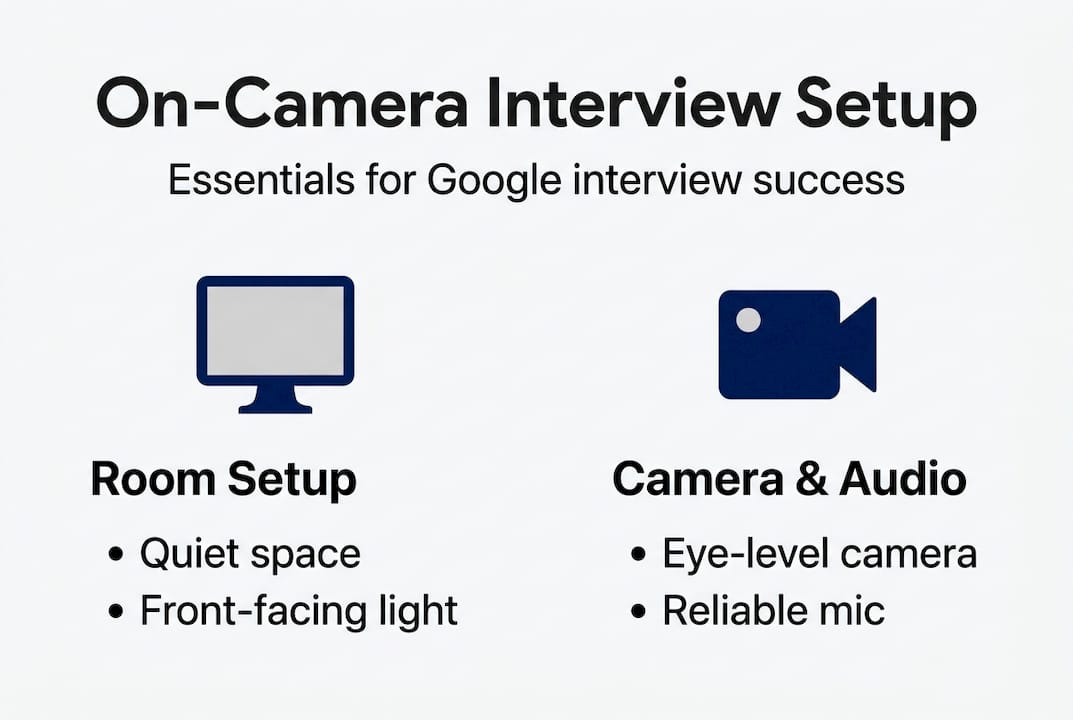
Start with your room. Choose a space with minimal background noise, good natural light facing you rather than behind you, and a tidy, neutral background. A cluttered or busy backdrop pulls attention away from what you are saying.
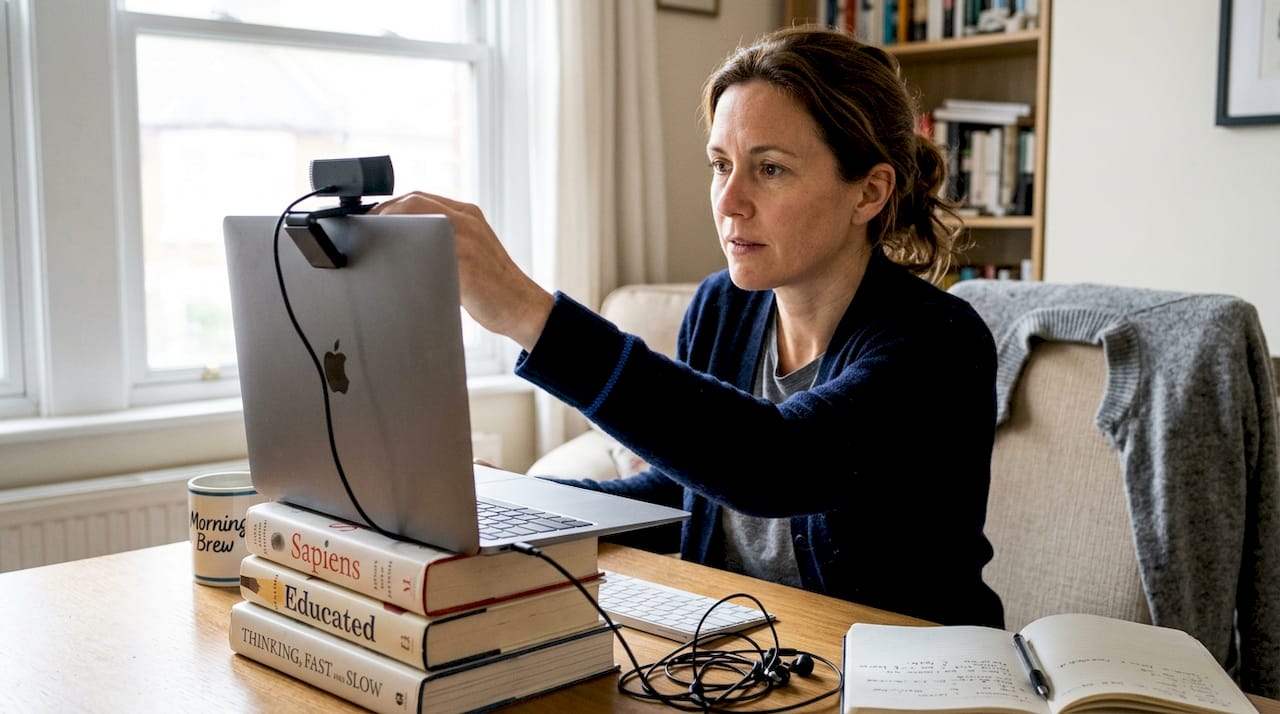
Your camera position matters more than most people realise. Placing your laptop on a stack of books or using a dedicated stand to raise it to eye level creates a more natural, engaging connection with your interviewer. Looking down into a camera makes you appear smaller and less authoritative.
Pro Tip: Raise your camera to eye level and look directly into the lens when making key points. This small adjustment creates the impression of genuine eye contact and significantly boosts how confident you appear on screen.
For audio, a pair of wired earphones with a built-in microphone is often more reliable than your laptop’s built-in speakers. Background noise cancellation tools can also help if your environment is not perfectly quiet.
Here is a quick-reference table for your virtual interview essentials:
| Element | Recommendation |
|---|---|
| Camera position | Eye level, centred in frame |
| Lighting | Natural light facing you, no backlight |
| Background | Neutral, tidy, distraction-free |
| Audio | Wired earphones or external microphone |
| Internet | Wired connection preferred, 10 Mbps minimum |
| Backup device | Charged phone or second laptop on standby |
| Screen sharing | Tested in advance via Google Meet |
As Google’s virtual interview resource confirms, testing your full setup before the day, including screen sharing, is essential. Do not leave this to chance. Run a full rehearsal in the exact room you plan to use.
Building strong on-camera skills with AI practice tools can help you spot setup issues you might not notice on your own, such as poor framing or distracting background elements, before they cost you in a real interview.
Developing confident and authentic on-camera delivery
With your tech and setup sorted, it is time to shift focus to how you actually present yourself on camera. This is where many mid-to-senior professionals underestimate the work involved. You may be highly articulate in person, but the camera changes everything.
Authenticity matters far more than polish. Over-rehearsed answers sound robotic, and interviewers notice immediately. The goal is to sound prepared and natural at the same time, which takes deliberate practice rather than rote memorisation.
Here is a step-by-step approach to building genuine on-camera confidence:
- Record yourself answering a common Google interview question using your phone or laptop camera.
- Watch it back with the sound off first, focusing purely on your body language, posture, and facial expressions.
- Listen again without watching, paying attention to your pacing, filler words (“um”, “like”, “you know”), and whether your answer has a clear structure.
- Check your STAR alignment: does your answer have a clear Situation, Task, Action, and Result?
- Iterate: record the same answer again, applying one or two specific improvements each time.
Tools like the Google Interview Warmup tool allow you to practise on camera and receive feedback on your responses, including analysis of talking points and pacing. Using these resources consistently builds the kind of fluency that feels natural rather than forced.
Pro Tip: Aim for answers between 90 seconds and two minutes for most behavioural questions. Shorter, well-structured answers consistently land better than longer ones that trail off or repeat themselves.
Common pitfalls to watch for include monotone delivery, which drains energy from even strong answers, rambling without a clear endpoint, and answers that sound rigid or scripted. Practising with AI roleplay for confidence can help you identify these habits quickly and correct them before they become ingrained.
“The best interviewees do not sound like they rehearsed. They sound like they thought about it deeply and can explain it clearly.”
If English is not your first language, tools designed to help you master interview practice with AI can be especially valuable for building fluency and reducing anxiety around phrasing under pressure.
Using AI and expert feedback to sharpen your Google interview responses
After you master your delivery, amplify your preparation by integrating feedback and using technology wisely. The difference between practising alone and practising with targeted feedback is significant. Repetition without reflection only reinforces existing habits, good or bad.
AI feedback tools have changed the preparation landscape. Rather than waiting for a human coach to review your answers, you can now get immediate, specific feedback on clarity, structure, filler words, and STAR alignment after every single attempt.
Here is what quality AI feedback should cover:
- Clarity: is your main point easy to identify within the first 20 seconds?
- Conciseness: are you using more words than necessary to make your point?
- Structure: does your answer follow a logical flow that the interviewer can follow?
- STAR alignment: are all four components present and clearly signposted?
- Delivery markers: are filler words, pacing issues, or monotone delivery flagged?
Here is a comparison of popular AI-assisted tools available to candidates:
| Tool | Focus area | Feedback type |
|---|---|---|
| Gemini | STAR structure, content depth | Text-based suggestions |
| Exponent | Technical and behavioural mock interviews | Structured written feedback |
| Grow with Google Interview Warmup | Talking points, pacing, job-relevant terms | Automated analysis |
| Pavone.ai | On-camera delivery, clarity, filler words, confidence | Video and transcript feedback |
As Google’s own resources make clear, authentic communication is valued over perfection. AI tools support this by helping you sound genuinely clear and confident rather than over-polished. Explore a broader range of AI interview tools to find what fits your preparation style, and review the research on AI interview practice to understand why this approach works so effectively.
Why traditional practice isn’t enough for Google interviews
Here is an uncomfortable truth: experience alone no longer prepares you for a Google interview. The format, expectations, and evaluation criteria have shifted considerably. Behavioural questions are more nuanced. Virtual delivery is now the norm. And the bar for clear, structured communication has risen sharply.
Many senior professionals assume their track record will carry them through. It will not, at least not on its own. What interviewers see on screen is a compressed, two-dimensional version of you. If your delivery is flat, your answers ramble, or you appear disconnected from the camera, even strong content gets undervalued.
The candidates who improve fastest are not those who practise the most. They are those who analyse their own on-camera presence and iterate with purpose. Tools that offer immediate, specific feedback, like those focused on mastering AI interview practice, give you a mirror that honest self-assessment rarely provides. Seeing yourself as the interviewer sees you is a genuinely transformative step.
Take your Google interview readiness further
You now have a clear roadmap for approaching your Google interview with confidence, from setup to delivery to feedback-driven improvement. The next step is putting it into practice.
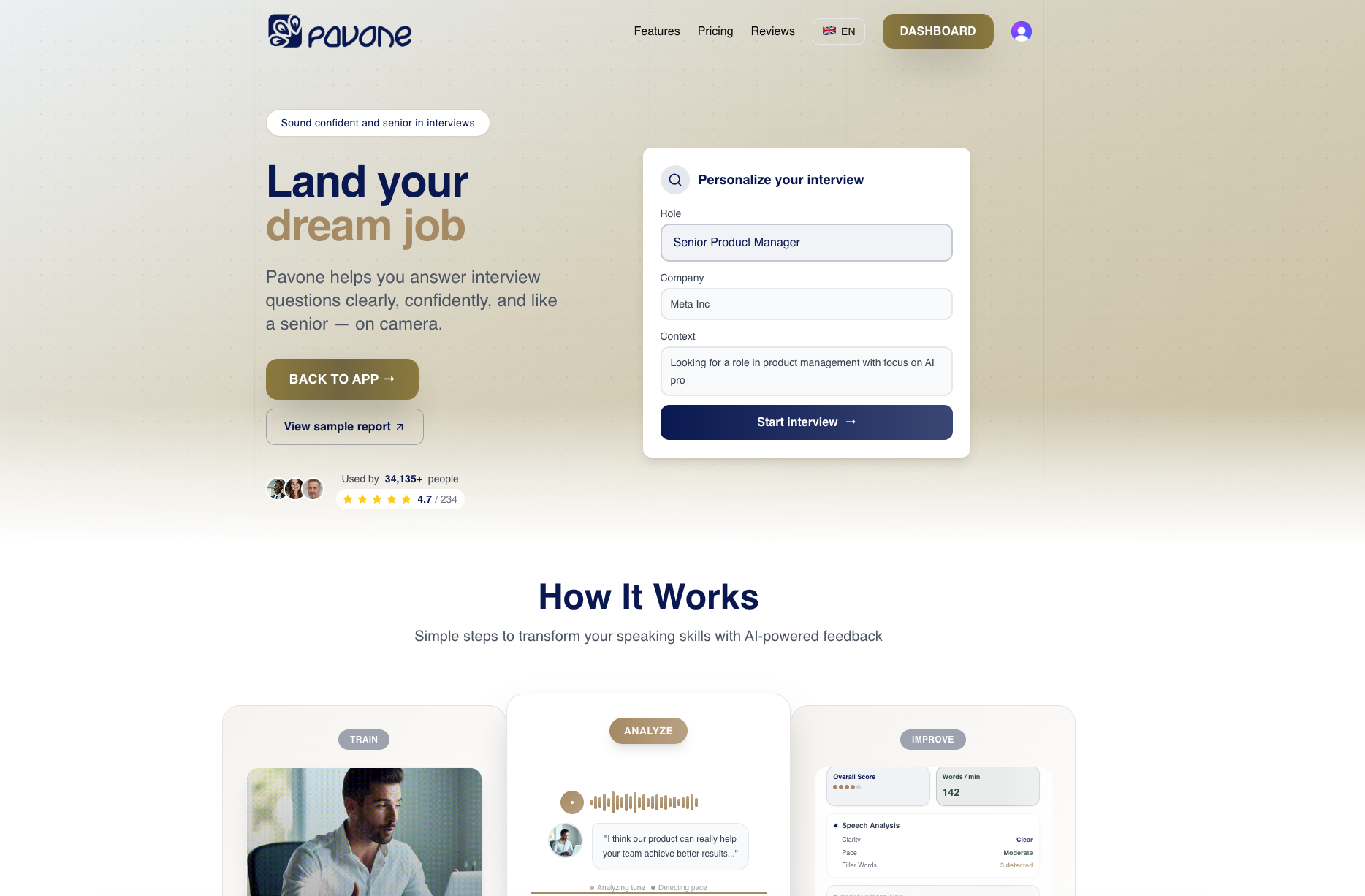
Pavone.ai gives you a private, pressure-free space to record your answers on camera and receive immediate, actionable feedback on clarity, pacing, filler words, and overall delivery. Use the free interview question generator to build a personalised question bank, sharpen your responses through online practice for interviews, and build real on-camera confidence with targeted video response preparation. Your next Google interview is closer than you think. Start practising today.
Frequently asked questions
What makes Google interviews different from other tech companies?
Google interviews place equal weight on authentic communication and technical expertise, particularly in virtual settings where setup, delivery, and screen sharing all factor into how you are perceived.
Can I use AI assistance during a Google interview?
No. AI tools are for practice only; using any form of AI assistance during the actual interview goes against Google’s guidelines and could disqualify you.
How can I check if I look confident on camera?
Record yourself answering practice questions, then review your eye contact, body language, and pacing. Tools like Grow with Google Interview Warmup offer structured feedback to help you identify and address specific weaknesses.
Do Google interviewers expect perfect answers?
No. Google values clear, authentic answers over rehearsed perfection, with a strong focus on how you approach problems and communicate your thinking under pressure.
Recommended
Ready to practice?
Start improving your speaking skills with AI-powered feedback and analysis.
Try Pavone Free